
You don’t need a design team to put your logo on great-looking merch. With a good file and a few simple rules, you can get professional results yourself.
Start with the right logo file
Use the highest-resolution version you have, ideally a PNG with a transparent background or a vector (SVG/PDF). Avoid screenshots or tiny web images — they look fuzzy when printed.
Follow a few placement rules
- Center your logo and give it breathing room.
- Match ink to product: dark logos on light items, light logos on dark items.
- Keep it simple — one clean mark reads better than a crowded design.
Preview before you buy
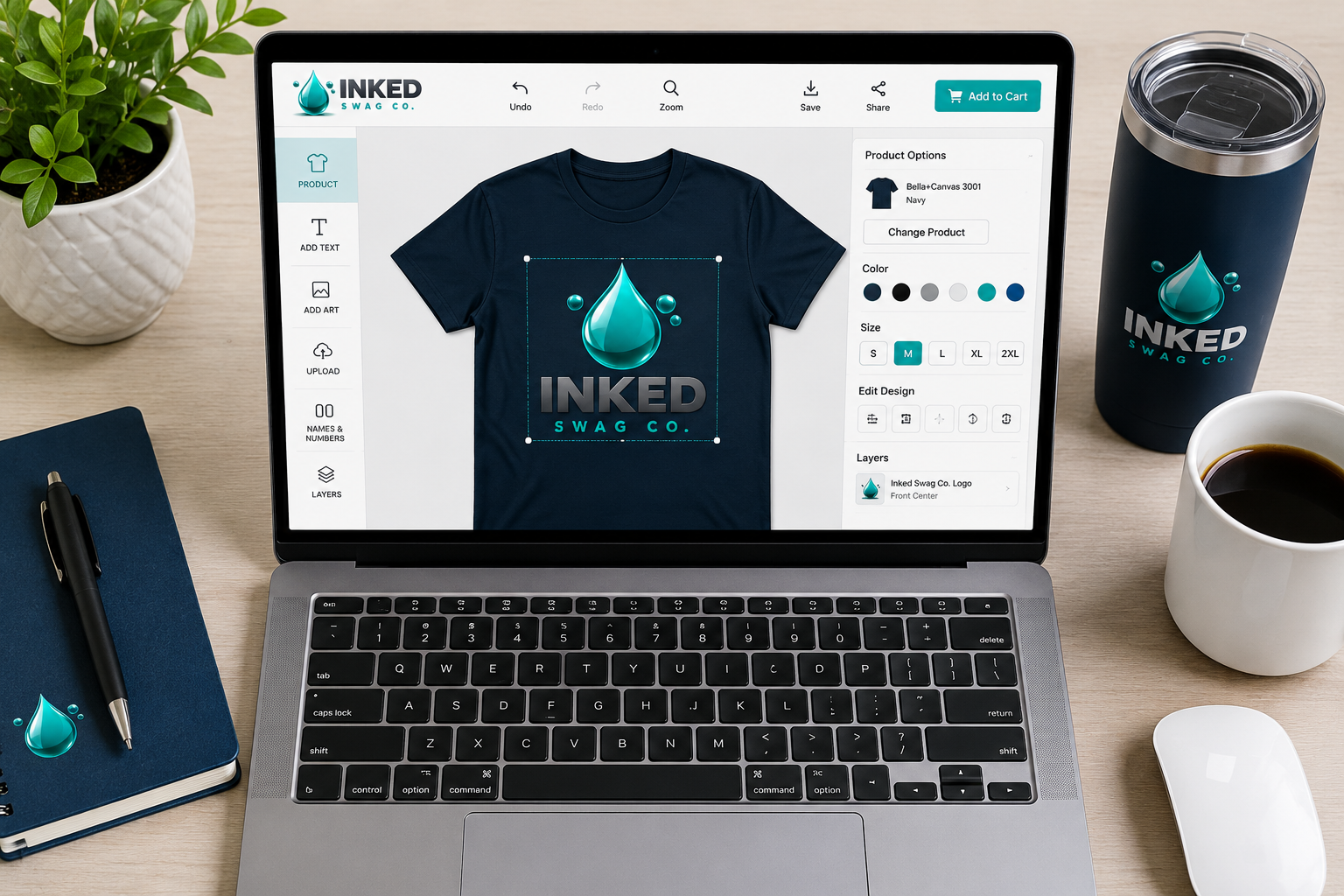
Use a product mockup to see how your logo sits on the real item. Check that nothing is cut off and that small text is still legible.
Let the tools do the work
Our design lab lets you upload your logo, add text, and preview it on the product in real time — no software required. Pick a product and try it.
Leave a Reply